






How to increase your download speed: 10 tips and tricks
Are you struggling with slow download speed? Follow along with our tips to learn how to increase your download speed. Then, install Norton Utilities Ultimate to help you delete bloatware, tune up your devices, and keep your phone or computer running more smoothly.

2025
Consumer
Security Innovator




- 1. Download one file at a time
- 2. Clear your cache
- 3. Disconnect devices you don’t need from your network
- 4. Test your modem and router
- 5. Use an ethernet cable
- 6. Get a VPN
- 7. Update your device drivers
- 8. Run computer updates
- 9. Scan your computer for viruses
- 10. Upgrade your internet plan
- Help increase your download speeds
- FAQs about download speeds
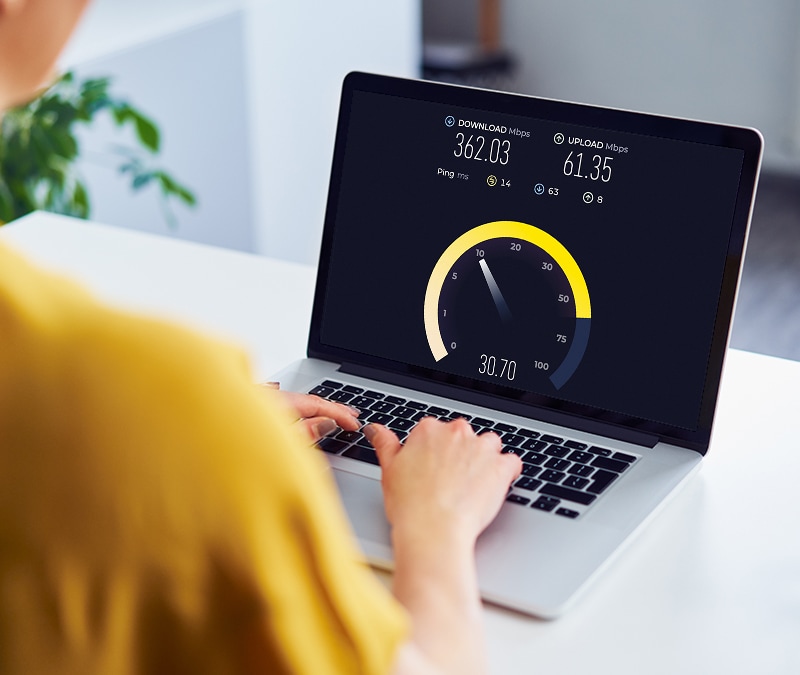
Tired of your videos buffering and new games taking hours to download? The fix might be as simple as increasing your download speed. Download speed is the rate at which data is transferred from the internet to your device, and it affects important online activities including streaming, webpage loading, and file downloads.
Many issues can contribute to slow download speeds, and figuring out the underlying problem slowing down your connection can be tricky. Some fixes may be simple, like clearing your cache or updating your software, while other solutions are more complex. Try some of our proven strategies to help kick your computer’s download speeds into high gear.
Sometimes, a simple computer reboot is the key to boosting your download speeds and improving online experiences. Doing this can help improve download speeds by fixing bugs, closing applications running in the background, and getting rid of temporary files hogging system resources.
If that doesn’t increase your download speed, try the following 10 tips.
1. Download one file at a time
To prevent internet slowdowns, avoid downloading multiple files at the same time. Instead, download them one at a time so you don’t accidentally stretch your network thin while trying to handle each request simultaneously. This can seem inefficient, but it can actually save you time in the long run.
2. Clear your cache
When you visit a website, your browser cache conveniently stores your internet data to help website browsers and apps load faster in the future. Unfortunately, if the cache grows too large, it can eat up your computer’s storage, leading to performance declines. At this point, you may need to clear some of your cache or computer cookies.
3. Disconnect devices you don’t need from your network
When too many devices are connected to your network, it can result in slow download speeds. To help stop buffering, lag, and other performance issues—temporarily disconnect non-essential devices like smart TVs. Or, at the very least, limit resource-intensive tasks like video streaming.
4. Test your modem and router
In some cases, your modem or router may be the cause of your slow download speeds. Even if your internet plan offers high speeds, you’ll only benefit if your devices can keep up.
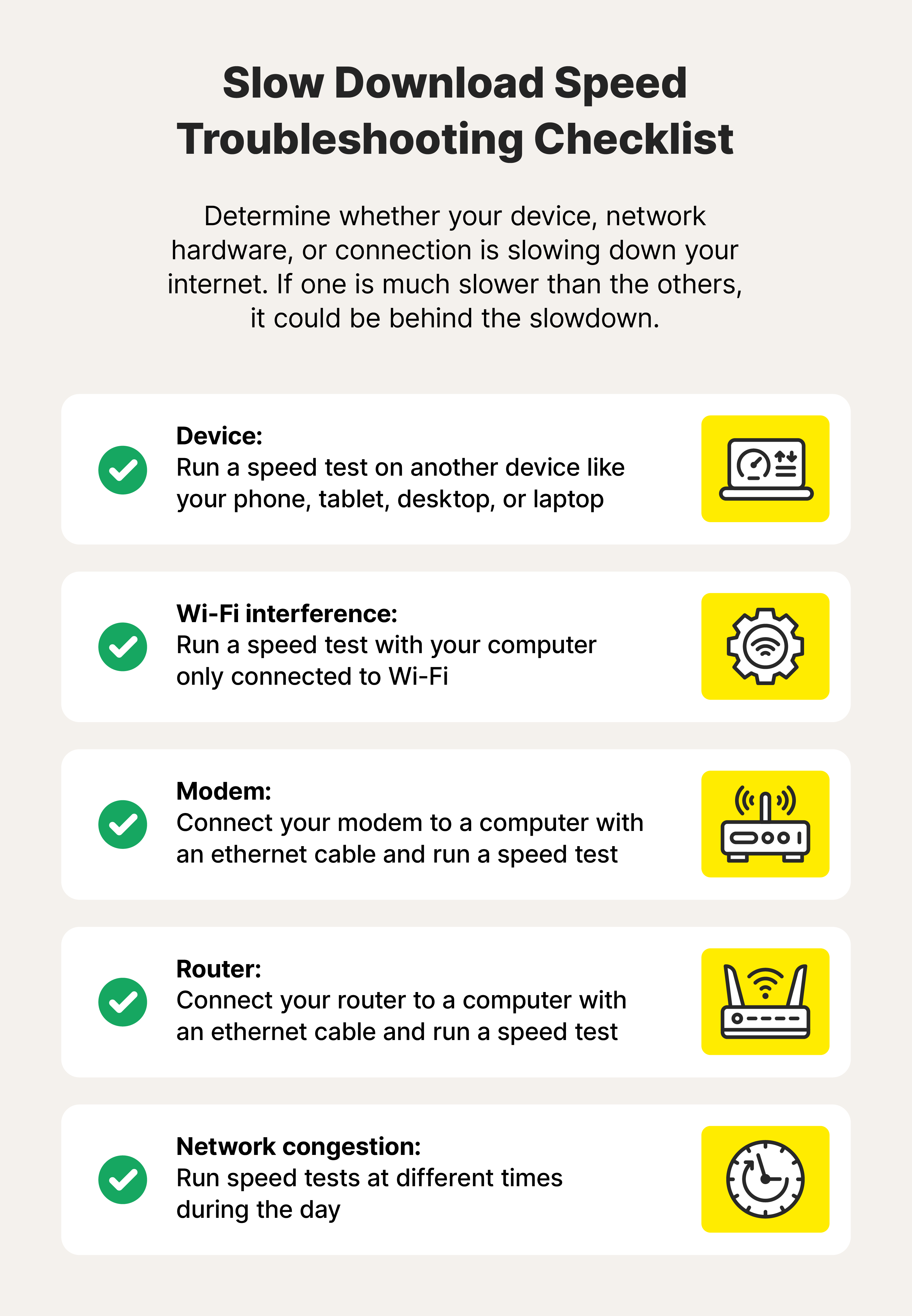
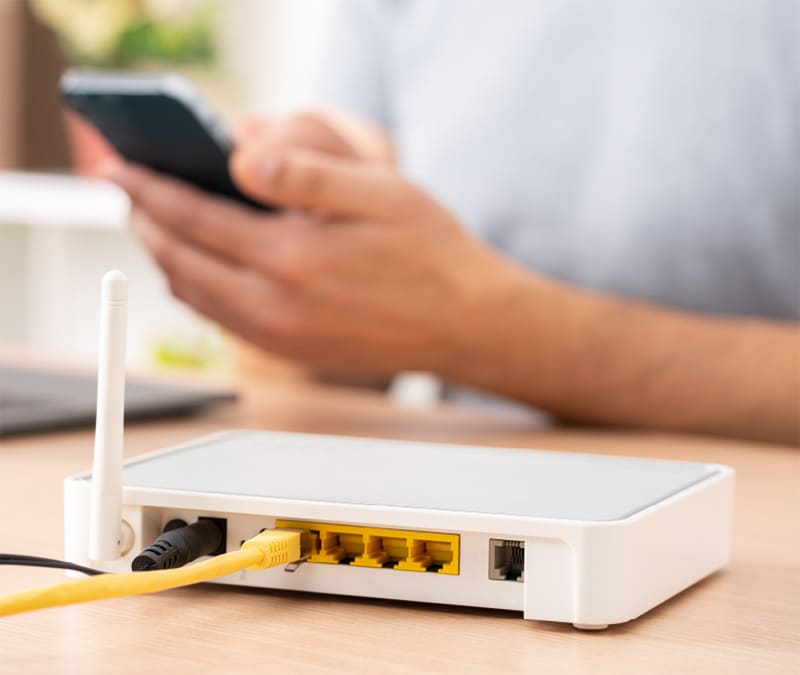
Before diving into diagnostics, try moving closer to your router or restarting it. If that doesn’t work, you can connect the modem and router to your computer with an ethernet cable to check the speed separately. Or, refer to your router’s manual and learn how to re-configure its Quality of Service (QoS) settings.
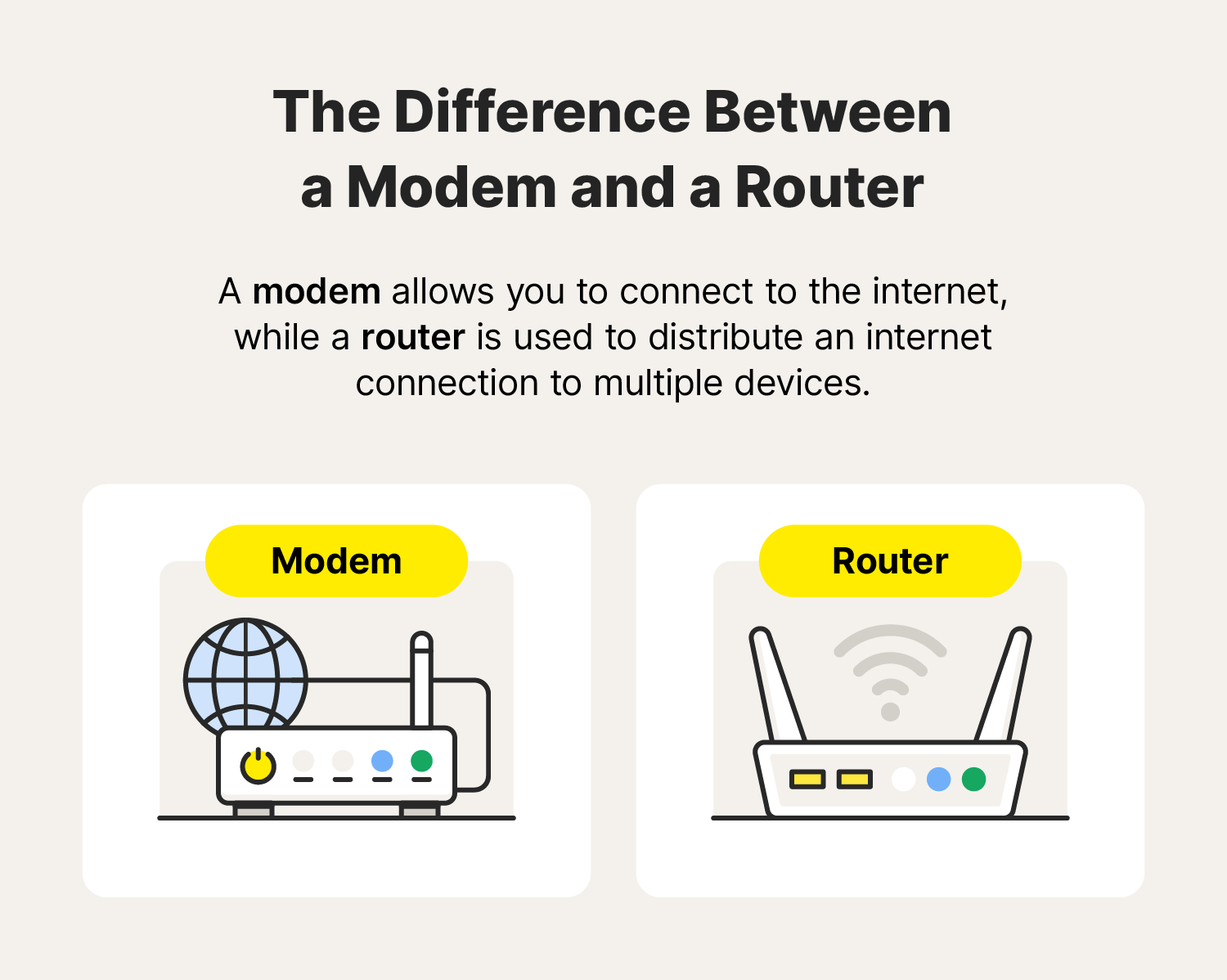
Note: Today, when connecting to the internet, most of us use a single, all-in-one device that has both a modem and a router. The modem uses a cable to connect to our ISP and the internet, while the router emits a signal—creating a Local Area Network (LAN)—that gives nearby devices wireless access to the internet connection.
How to speed test your modem and router
As noted above, many routers and modems now come in a single device, known as a gateway. If your modem and router are combined, you only need to perform the test once. If they’re separate, you can test them by following these steps:
- First, check your router by connecting it to your computer with an ethernet cable.
- Visit Speedtest by Ookla.
- Click Go and document results.
- Next, check your modem by connecting it to your computer with an ethernet cable.
- Run the test again and document the results.
- Compare both results and do a deep dive if one is substantially slower.
If your modem or router speeds are a problem you may need to replace them.
5. Use an ethernet cable
An ethernet cable can significantly boost your download speeds by providing a stable, direct connection to your router. Unlike Wi-Fi, which can be affected by interference and distance, ethernet delivers a clear pathway for data to travel, minimising disruptions and potentially reaching the full speed of your internet plan.
6. Get a VPN
A VPN generally won't directly boost your internet speed—if fact, by routing your traffic through a different server, it will likely slow it down a bit. However, a VPN can be helpful if your internet service provider (ISP) is throttling your download speeds, because it will hide your IP address and online activity to help bypass speed limitations.
7. Update your device drivers
Check for driver updates regularly to fix bugs and ensure you have the most recent computer drivers. If you have an outdated or corrupted network adapter driver, it could be affecting your download speed. You can update individual drivers manually. But an easier way is to use a tool like Norton Driver Updater that automatically scans for and downloads available updates.
8. Run computer updates
Software updates often include bug fixes and performance enhancements that can streamline how your devices interact with your network, leading to a smoother and potentially faster download experience. Updating your operating system and apps is also important to patch any security gaps found by developers.
9. Scan your computer for viruses
Malware like computer viruses can hog your internet bandwidth in the background, slowing down your downloads. Running a scan can detect these bandwidth-hungry threats, freeing up your internet connection for faster downloads.
If the scan finds an issue, remove the malware from your computer.
10. Upgrade your internet plan
As a last resort, you may need to upgrade to a faster internet connection. To stay with your current ISP without breaking the bank, try negotiating or threatening to cancel—sometimes, this will prompt them to offer you a deal. If not, you can get quotes from other internet providers servicing your area or use promotional offers to get a better plan without paying more.

Help increase your download speeds
Countless issues could be contributing to slower download speeds. But if your device is bogged down by bloatware, duplicate files, and unused apps, it’s not just your internet connection slowing you down. To revitalise your device and reclaim valuable space, install Norton Utilities Ultimate for a faster, more reliable machine.
FAQs about download speeds
Still have questions about download speeds? Are you wondering if you should increase your download speed? Here’s what you need to know.
Why is my download speed so slow?
Your download speed might be slow for several reasons, including (but not limited to) network congestion, limited bandwidth, outdated computer drivers, and internet throttling. Ultimately, the issue can lie with your device, internet service provider, or internet hardware like your modem and router.
Is 100 Mbps fast?
Yes, 100 Mbps is fast, especially for basic internet needs like browsing, emailing, and streaming videos.
What is a good internet speed for gaming?
A minimum of 25 Mbps is generally a good internet speed for gaming and should allow you to play most online games with minimal lag.
What is the difference between a Megabyte and a Megabit?
Megabytes (MB) measure storage space or file size and megabits per second (Mbps) measure data transfer rates. A megabit equals 1 million bits and a megabyte equals 1 million bytes, or 8 megabits.
Editorial note: Our articles provide educational information for you. Our offerings may not cover or protect against every type of crime, fraud, or threat we write about. Our goal is to increase awareness about Cyber Safety. Please review complete Terms during enrollment or setup. Remember that no one can prevent all identity theft or cybercrime, and that LifeLock does not monitor all transactions at all businesses. The Norton and LifeLock brands are part of Gen Digital Inc.







Want more?
Follow us for all the latest news, tips, and updates.